Mobile-Friendly Access
The GL666 App can provide a direct route to platform pages through an Android device, reducing the need to repeatedly search for the correct browser link.
 Register
This GL666 App guide helps Philippine users understand the Android APK download process, installation settings, account access, and basic mobile safety checks. It explains what to review before opening an app file, how to keep login information protected, where to look for updates, and why responsible limits matter. Adults should also confirm whether online gaming activity is permitted in their location before participating.
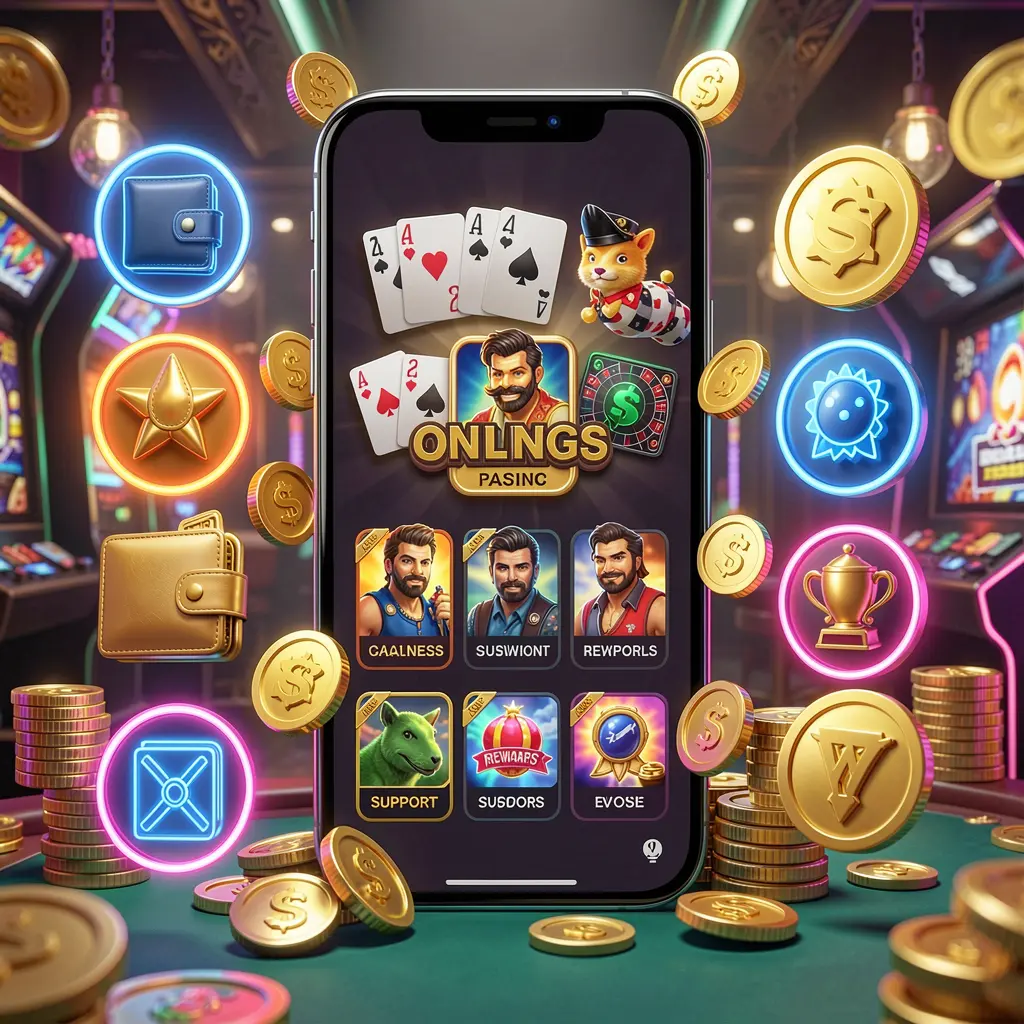
The GL666 App is presented as an Android mobile access option for people who prefer using platform pages from a phone rather than a browser. Its purpose is to bring key areas, such as sign-in, account settings, wallet details, promotions, and support, into a more convenient mobile layout.
For users in the Philippines, a mobile app can make routine account tasks easier on smaller screens. However, convenience should be balanced with careful downloading, secure device habits, and a clear understanding of terms before interacting with any wallet or promotional feature.
The GL666 App can provide a direct route to platform pages through an Android device, reducing the need to repeatedly search for the correct browser link.
A well-organized mobile interface should make profile options, balance information, transaction records, and help channels easier to locate during normal account use.
Mobile users may view available campaign pages from the app. Always read eligibility, conditions, expiry information, and any applicable wagering or withdrawal requirements first.
Safer installation begins with an official source, current Android security updates, a screen lock, and close attention to permissions requested by the application.
Installing an Android APK requires a few device settings that are not needed for apps from standard stores. Take time to verify the download source before proceeding. Avoid files forwarded through unknown chats, social posts, file-sharing pages, or people claiming to provide a special version.
Open the official GL666 website through your mobile browser and find its designated app or APK download page. Confirm the website address carefully before selecting any download button or entering account details.
Choose the Android download option and allow the file to finish saving. Review the displayed file name and source in your browser downloads list. If the download looks unusual or redirects elsewhere, cancel it and return to the official page.
Android may ask you to permit installations from your browser or file manager. Grant this permission only when needed for the GL666 APK, then disable it afterward to limit exposure from unwanted future downloads.
Install the file, launch the GL666 App, and sign in using your own credentials. Check account settings, available support details, and displayed platform information before using wallet, promotion, or gaming-related sections.
Complete these basic checks before logging in, making transactions, or accepting offers through the mobile application.
Download GL666 App updates from the same official source used for the original installation. Be cautious with unexpected update requests delivered through messages or unknown links, especially if they ask for login details, screen-sharing access, or confidential account information.
Review Android permissions before approving them. An app should not need unrelated access to sensitive areas of a device simply to provide basic mobile navigation. If a request seems excessive or unclear, pause and verify it through an official support route.
Online gaming involves financial risk and should be approached only by adults where permitted. It is not a source of income or a solution for money problems. Set a firm spending limit, take breaks, avoid chasing losses, and stop if use becomes stressful or difficult to manage.
Helpful answers about GL666 App downloads, Android installation, account security, updates, and responsible mobile use.
The GL666 App is an Android mobile access option that can provide app-style navigation to GL666 account pages, wallet areas, promotions, support links, and platform content.
Open the official GL666 website on your Android phone, locate the app or APK section, and use the download link shown there. Avoid files from unknown groups, messages, or copied websites.
After downloading the APK from the official source, allow installation from the browser or file manager if Android requests it, open the file, complete the prompts, and disable that permission afterward.
Unofficial files may be outdated, altered, or designed to collect account information. Using the verified GL666 download area helps reduce the risk of installing an unknown application.
Yes. Users should review current rules applicable in the Philippines before downloading, registering, depositing, or taking part in any online gaming-related activity.